
Wild Thumbnails vs ChatGPT
ChatGPT draws whatever you tell it to. Wild researches your niche, comes up with up to 100 thumbnail ideas and sketches them live. You give it a title and your channel.
Compared in October 2026 · real side-by-side test below
You bring
- The idea
- The research behind it
- A detailed prompt
- Your photo, every time
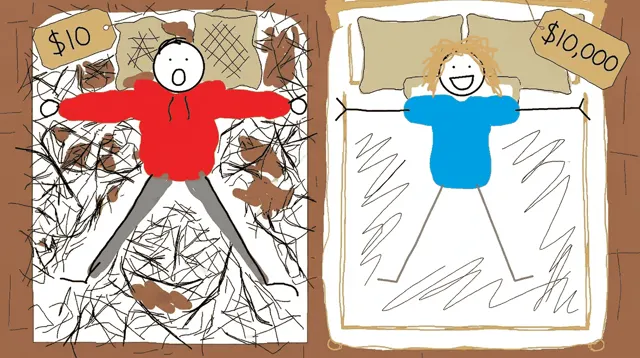

You bring
- Your video title
- Your channel
The short answer
ChatGPT waits for your idea. Wild brings the idea.
ChatGPT is an image generator, not a thumbnail researcher. It has no view data and no click data for your niche. It draws exactly what you type, and what you type is the obvious idea: the one your viewers have already scrolled past.
Wild does the part ChatGPT leaves to you. It researches your niche live, finds what has worked again and again and what is picking up steam, comes up with the ideas, sketches up to 100 of them in front of you, and makes the one you pick in your channel style with your face in it. You type a title and your channel. No prompt.
- 1
ChatGPT waits for instructions
To get a good thumbnail out of ChatGPT, you research the competition, find the idea and explain the design. That’s a 3-hour project before the first image.
- 2
Wild researches before it draws
For “How SpaceX Mastered Space Suits”, Wild found rocket launch thumbnails fading and cutaways pulling the views. So it cut the suit open.
- 3
Free costs you the video
ChatGPT’s image is free. The 20 hours you spent editing the video aren’t. A weak thumbnail throws all 20 away.
The score
Wild 10. ChatGPT 3.
Same title. Two thumbnails.
Generating vs researching
Type the title into ChatGPT as a prompt and you get the obvious idea. Wild researches first, then designs.
 Sells the launch
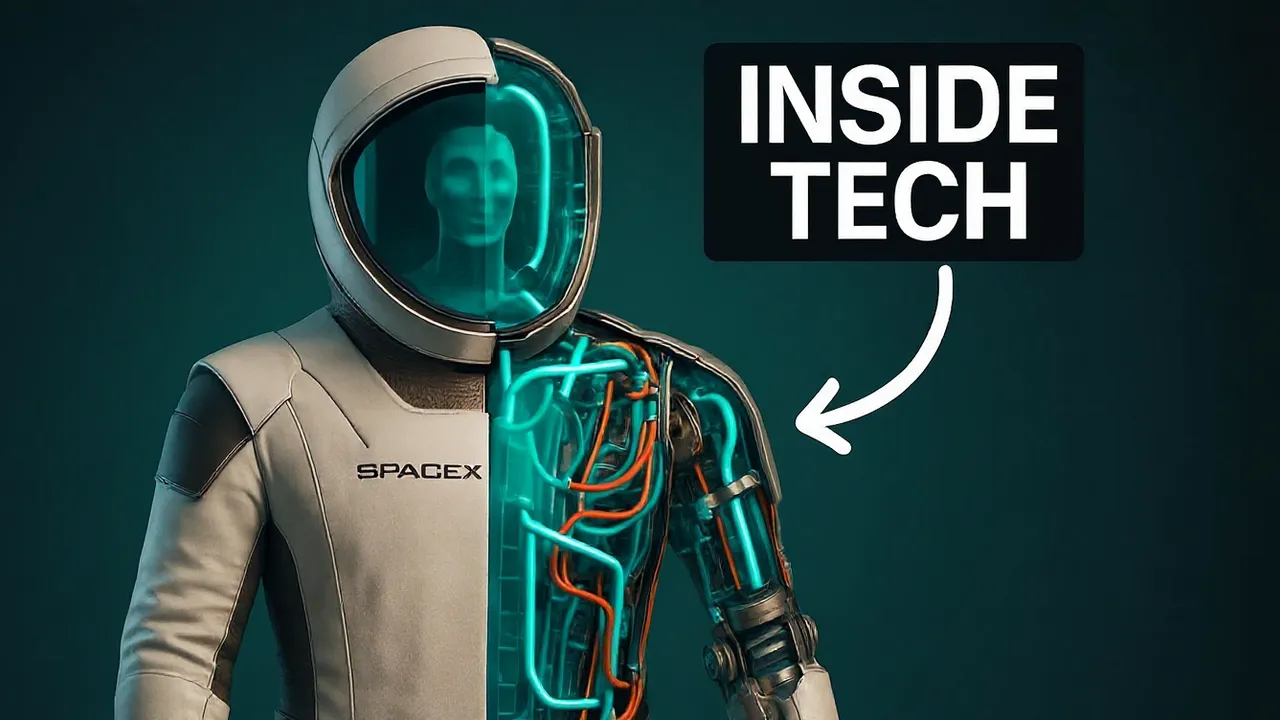 What’s inside
What Wild checked before drawing anything
Real videos from this niche, found by Wild’s research for this title.
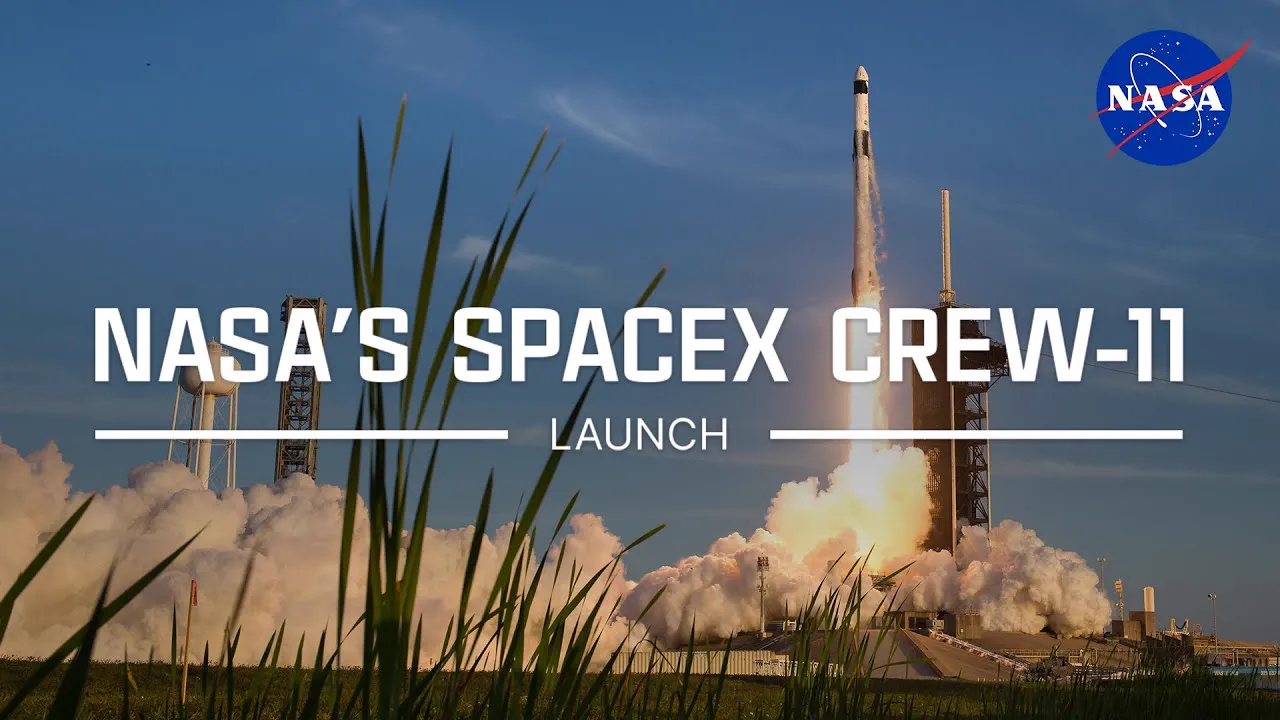 Fading
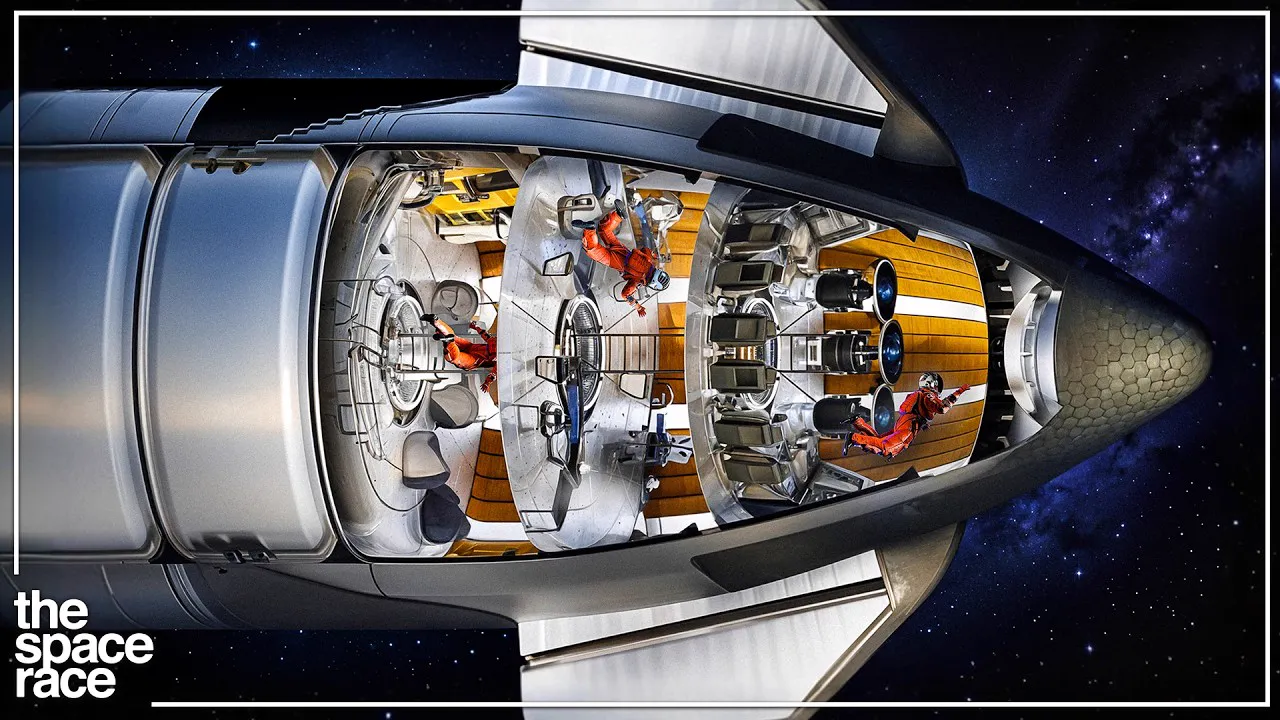 Inside view
 Contrast
Rocket launch thumbnails were fading. Cutaways and "what’s inside" thumbnails were pulling the views. So Wild cut the suit open.
“Prompt” = what you get when you type the title in as the prompt. “Wild” = Wild Thumbnails’ real output for the same title.
Ideas, not one guess
One prompt. One idea.
One title. 100 ideas.
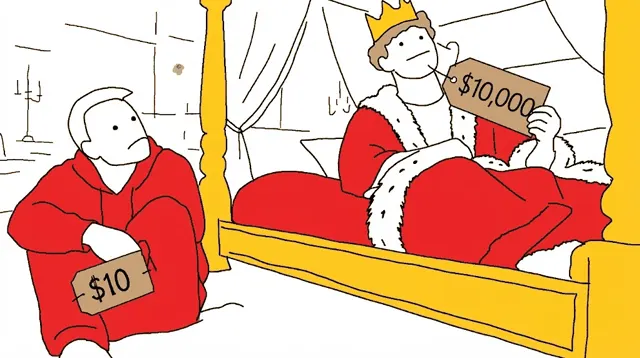
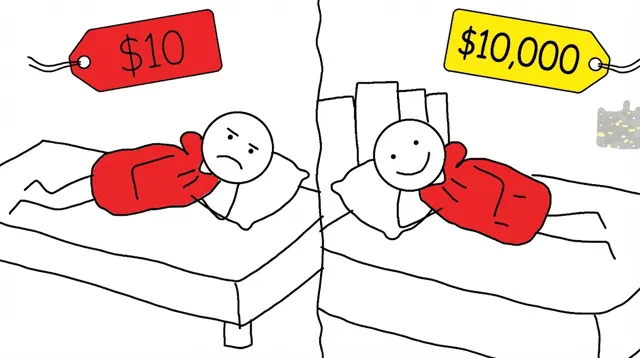
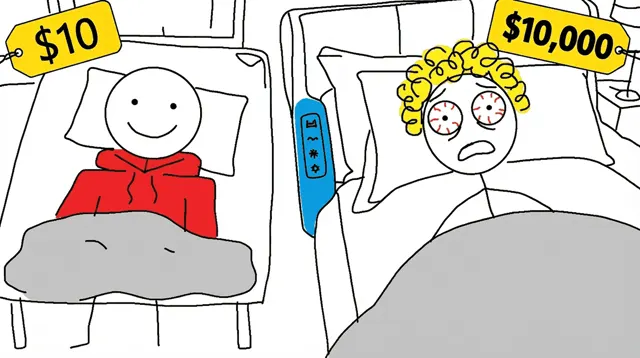
ChatGPT gives you the idea you typed. Wild sketches ideas you didn’t think of, live in front of you, so you choose the one that gets the click.
ChatGPT
the idea you typed
Who does the work
Your job vs Wild’s job
Doing the research properly takes 10 to 20 hours a video. With ChatGPT, that’s you. With Wild, it’s Wild.
With ChatGPT 6 steps
- Search YouTube for videos like yours and note which thumbnails blew up3–5 hours
- Work out which ideas are overused and which are picking up steam5–10 hours
- Come up with the thumbnail idea yourself1–2 hours
- Turn the idea into a prompt ChatGPT understands15 min
- Generate, read the result, re-prompt, repeat30–60 min
- Upload your face again and ask it to keep the face the same10 min
With Wild 4 steps
- Type your video title and your channel20 seconds
- Watch Wild research your niche and sketch the ideas liveWild does it
- Pick the idea you would click1 click
- Get the finished thumbnail in your channel style, your face in itWild does it
Feature by feature
Wild Thumbnails vs ChatGPT
| Feature | Wild Thumbnails | ChatGPT |
|---|---|---|
| Researches your niche before it designs | Yes. Live, every run: what has worked in your niche again and again, and what is picking up steam | No. It has no view or click data for your niche |
| Comes up with the thumbnail idea for you | Yes. Agents work out your channel, your niche and the curiosity gap for your audience, then pitch the ideas | No. You bring the idea |
| What you have to give it | Your video title and your channel. No prompt. | A detailed prompt you write, plus your photo |
| Different ideas for one video | Up to 100 completely different designs | Variations of the one prompt you typed |
| Sketches every idea live, before you pick | Yes. Every idea is sketched live in front of you, then you pick the one to make | No |
| Finished thumbnail in your channel style | Yes. Made in your channel style | No. You describe the style every time |
| Your face in the thumbnail | Recognises the host and puts your face in automatically. No training. Face swap for anyone else | Upload your photo each time; faces drift |
| Outlier research (videos that beat their channel) | 10 million outlier thumbnails, plus OutlierX: the world’s only live outlier research. It finds videos by meaning, not by keyword | No |
| Recreate a thumbnail you like | Precise: takes the thumbnail apart (person, text, props, background), you keep or replace each piece, up to 4 versions | Paste an image and ask; one shot, no control over the pieces |
| Edit tools | Face swap, one-sentence text edit, 4K upscale, layers, remove the AI look, replace with your real product photo | Edit by chatting |
| Free to try | First thumbnail free. No account needed | Limited free images |
| Price | $19, $47 or $97 a month, each with a 7-day free trial | Free (limited), Go $8, Plus $20, Pro from $100 a month |
ChatGPT details checked on their own site and recent reviews in October 2026. Sources at the bottom of the page.
What it costs
The no-brainer
The expensive part isn’t the thumbnail. It’s spending 20 hours on a video and getting zero views.
ChatGPT is cheap. The research and the idea it doesn’t do cost you 10–20 hours per video, or a designer.
- Free plan: limited images
- Plus: $20 a month
- No research, no ideas, no channel style
First thumbnail free, no account needed. Then $19, $47 or $97 a month, each with a 7-day free trial.
- Research of your niche on every run
- Up to 100 ideas per video, sketched live
- Finished in your channel style, your face in it
- Face swap, text edit, 4K upscale, layers
Which one is for you
Why creators switch
ChatGPT is enough when…
You already know exactly what your thumbnail should show, down to the layout, and you only need it drawn.
Pick Wild when…
- You don’t know what to makeChatGPT has no idea what got views in your niche. Wild checks before it draws a single line.
- You’re tired of promptingWild has no prompt box. Title and channel in, researched ideas out.
- You want options, not one guessWild sketches up to 100 different ideas live. You pick the one you would click.
- Your face keeps changingChatGPT needs your photo every time, and faces drift. Wild recognises the host and puts your face in automatically, in your channel style.
FAQ
Wild vs ChatGPT: questions
Can ChatGPT make YouTube thumbnails?
Yes. ChatGPT Images 2.5 draws a 16:9 thumbnail from a prompt you write. It does not research your niche and has no view or click data, so the idea, the prompt and every fix are your job.
Is Wild Thumbnails better than ChatGPT for thumbnails?
Yes, for views. ChatGPT draws the idea you give it. Wild Thumbnails researches your niche, comes up with up to 100 different ideas, sketches them live, and makes the one you pick in your channel style with your face in it.
ChatGPT is free. Why pay for Wild?
Because the expensive part is the 20 hours you spent on the video, and a weak thumbnail wastes all of it. Your first Wild thumbnail is free with no account. Plans are $19, $47 or $97 a month, each with a 7-day free trial.
Do I need to write prompts in Wild?
No. You type your video title and your channel. Wild Thumbnails does the research, the ideas and the design.
More comparisons
- YouTube SEO suiteWild vs vidIQ
A YouTube analytics and growth suite with 30+ tools. Its AI Thumbnail Maker is one of them.
See the comparison → - AI prompt makerWild vs Pikzels
An AI thumbnail maker: describe your idea in one prompt, or paste a link to recreate a thumbnail.
See the comparison → - AI prompt makerWild vs Thumio
An AI thumbnail maker and editor: write a prompt, upload a reference to reshoot, or start from a template.
See the comparison → - YouTube SEO suiteWild vs TubeBuddy
A YouTube SEO browser extension. Its Thumbnail Generator is a manual layer editor, plus A/B testing on the top plan.
See the comparison → - Outlier databaseWild vs ViewStats
A YouTube analytics and research tool from the team behind MrBeast’s analytics: outliers, thumbnail search, competitors.
See the comparison → - Outlier databaseWild vs 1of10
An outlier research tool with AI thumbnail and title generators. You search its database, then prompt the generator.
See the comparison → - Design appWild vs Canva
A general design app with YouTube thumbnail templates and AI image tools (Magic Media, Dream Lab).
See the comparison → - AI prompt makerWild vs Midjourney
A general AI image generator. You write a prompt and it returns a grid of four images.
See the comparison → - Frame-from-video makerWild vs Thumbmagic
An AI thumbnail maker from the Submagic team. Paste a video link or upload the video, then pick a template.
See the comparison → - Frame-from-video makerWild vs ThumbnailCreator
An AI thumbnail maker that builds thumbnails from your YouTube video link, with face training and style cloning.
See the comparison → - Human designerWild vs a thumbnail designer
A freelance YouTube thumbnail designer from Fiverr, Upwork or an agency.
See the comparison →
Try it on your next video
You bring the title.
Wild brings the idea.
Wild researches your niche, sketches up to 100 ideas live and makes the one you pick, in your channel style, with your face in it.